Snake Sokoban Mode

















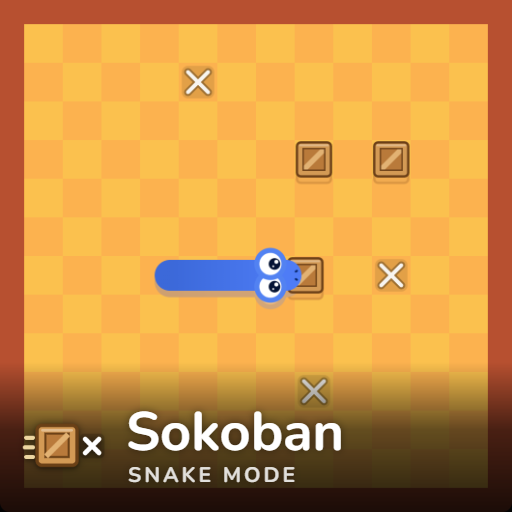
Snake Sokoban Mode merges classic snake maneuvering with box-pushing spatial puzzles. Apples do not spawn freely across the board; instead, you must line up behind wooden crates and push them onto target X floor marks to break them open into fruit.
Crate Pushing & Obstacle Rules
Moving directly into a crate pushes it one tile forward. Once pushed onto an X mark, the crate immediately breaks open into an apple you can eat to grow and score points. Eating the fruit spawns a fresh crate and X mark pair elsewhere on the grid.
A crate only moves if the space behind it is completely clear. Attempting to push a crate backed by a wall edge, an apple, another crate, or your own body turns it into a solid obstacle, resulting in an instant crash. However, pushing a crate onto the board's outer border causes it to auto-break, spawning a replacement crate elsewhere so it never gets permanently stuck.
Controls
- Desktop: Arrow keys or WASD to move
- Mobile / Tablet: Swipe gestures on the touchscreen
Customizing Your Puzzle Setup
Access board options anytime using the top-bar gear button
- Crate Density: Choose 1, 3, 5, or 6–8 pairs using the "Lots of apples" setting.
- Layout & Speed: Adjust grid dimensions (small, medium, large), select 3 movement speeds, pick 11 snake colors (including rainbow), or choose from 6 board themes.
- Score Persistence: High scores save automatically in your browser for every settings mix.
Related Games to Try
Explore other mode options, such as Snake Key Mode and Snake Peaceful Mode.
Puzzle fans can also try logic titles like Apple Worm's Path, Snake Puzzle: Slither to Eat or SNAKES.